
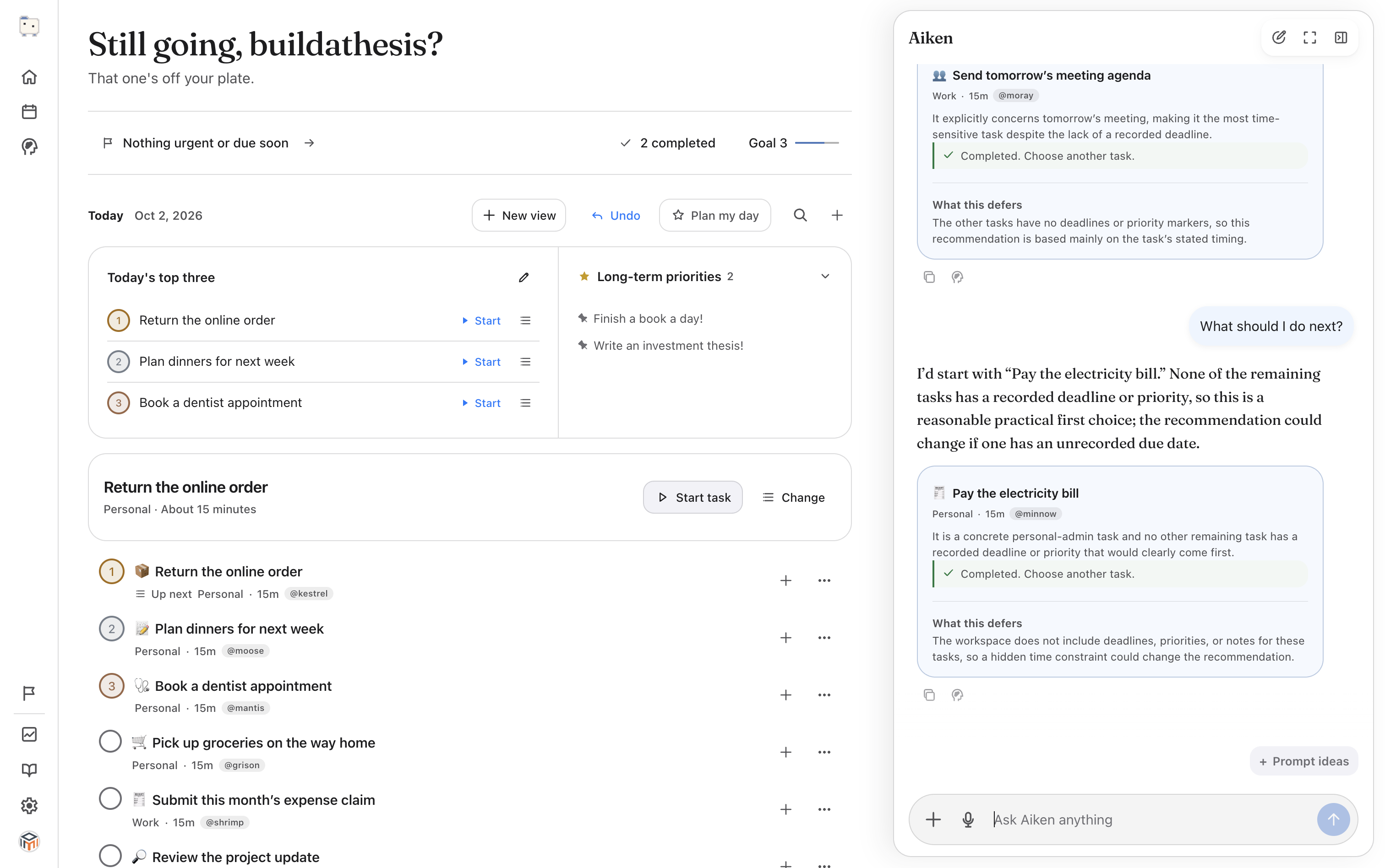
Compare a few real commitments
Suppose a client needs your approval today to start work. An invoice needs to go out by Friday. Your website needs a redesign, but you haven't promised a date.
The approval has a reason to come first. Send it, or ask for the missing information if you can't approve it yet. Set aside time for the invoice before Friday. The redesign may deserve a longer block later in the week.
Check whether the dates are actual commitments. An old due date you assigned yourself may no longer describe what needs doing.
Save up to three priorities
In Today's top three, click Choose priorities. Add the tasks you want to prioritise today. The first selected task is ranked first; use the arrows to change the order, then click Save priorities.
Three is a limit, not a target. If one substantial task fills the time you have, choose one. The rest of your list stays available. Use Edit priorities when your plans change.
Start one and track your time
Click Start beside a priority. The current-task area shows what you're working on and the elapsed timer. Click Stop when you take a break, or Done when the task is finished.
The timer records time while the task is running. It doesn't know whether you were concentrating, so remember to stop it when you switch away.
Put the next task in the queue
In the up-next area, click Change. Search for a task, then use Make up next to select it or the plus icon to Add to queue. The picker closes after a selection; reopen it to add another task.
Use the queue's arrow controls to change the order. Click Start task when you're ready to work on the next item. Adding something to the queue doesn't start it automatically.
Ask for help if you're still weighing the options
With your tasks in the list, send: “I have 30 minutes before a meeting. Which task should I work on, and what can wait?”
Read the reason along with the recommendation. If Aiken is missing a deadline or a dependency, tell it. The suggestion is only useful if it reflects the situation you're actually in.