
How to make a PDF handout
- Choose your lecture PDF, or try the sample deck.
- Choose a layout, paper size, and ruled, dotted, or blank writing space. Select specific slides if needed.
- Check the page preview, download your handout, and print at actual size or open it in your tablet annotation app.
A layout for the way you study
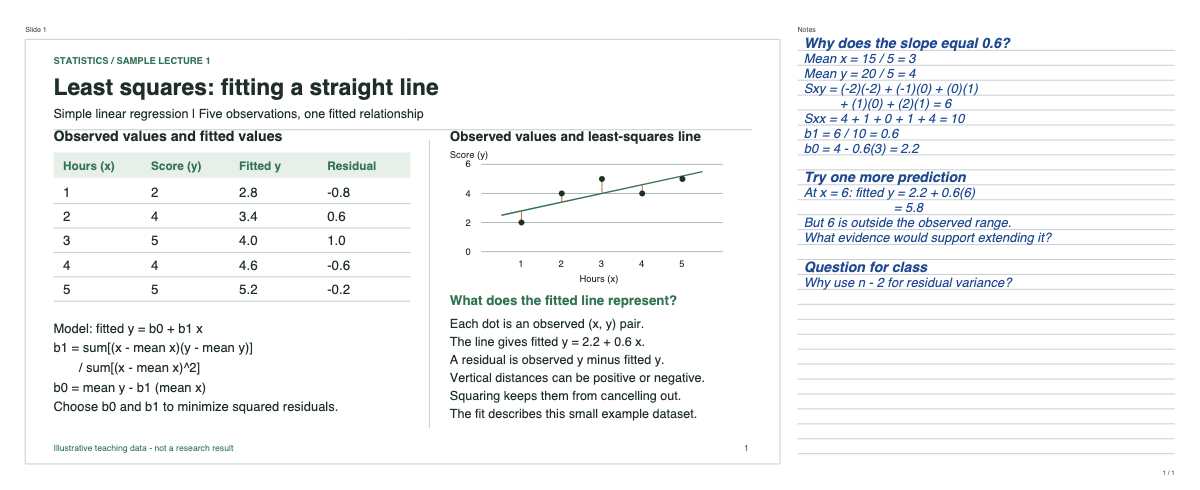
Two slides per sheet puts slides beside a generous column of notes on landscape A4 or Letter paper. One slide per sheet gives a larger slide with writing space underneath. Print at actual size for the intended margins.
For a tablet, choose Original size + notes. Each slide keeps its displayed size and gets extra writing space on the right. Open the downloaded PDF in your usual annotation app.
Sharp slides, useful writing space
Original PDF page content is embedded directly, keeping vector diagrams sharp and existing text selectable. Scanned slides keep their existing image quality; this tool does not add text recognition. Every slide keeps its original page number, even when you select a range.
Choose ruled, dotted, or blank notes. The preview renders the same PDF you download, including margins, note space, and sheet numbers. Check dense slides in the one-slide layout before printing.
Your PDF stays on your device
Your file is read, arranged, previewed, and downloaded in this browser. It is not uploaded, sent to AI, or saved to an account. Reloading the page clears the working copy. The original file is unchanged.
Use PDFs up to 50 MB and 300 pages. Password-protected PDFs need an unlocked copy. If a PDF contains annotations or form fields, export a flattened copy first so those visible marks are included. Interactive links, media, and forms are not carried into the handout.
Questions about PDF handouts
- Can I use an article or letter instead of slides?
- Yes. Choose a PDF article or letter and use Original size + notes (tablet) to add a writing margin beside each page. This keeps the original page at its displayed size for reading and annotation on a tablet.
- How do I print two slides per page with notes?
- Choose Two slides beside notes, then A4 or US Letter. Download the PDF and print in landscape at actual size (100%). Each slide has its own writing area and original slide number.
- Can I add note space to a PDF for a tablet?
- Choose Original size + notes (tablet). Each slide keeps its displayed size and gets extra writing space on the right. Download the PDF and open it in your annotation app.
- Can I make a handout from PowerPoint or Google Slides?
- Export your presentation as a PDF first, then choose that PDF here. The tool accepts PDF files, not PowerPoint files or presentation links.
- Is the PDF handout maker free and private?
- Yes. No account or payment is required. Your PDF is processed in this browser without being uploaded or sent to AI. Files can contain up to 300 pages and be up to 50 MB.